
Note: When first logging into and registering your Checkwriters ESS account, you must use a computer. After the account has been created, you can use the Checkwriters ESS app.
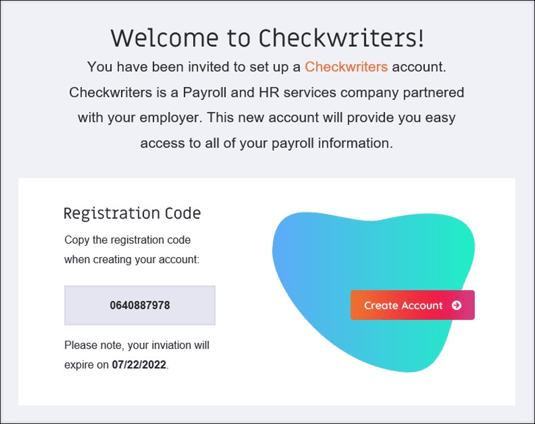
After your company enrolls you in Checkwriters ESS, you will receive an email from notifications@mg.checkwriters.com with the subject “Welcome to Checkwriters.”
- Copy the Registration Code from the email.
- Select Create Account to access the registration page.
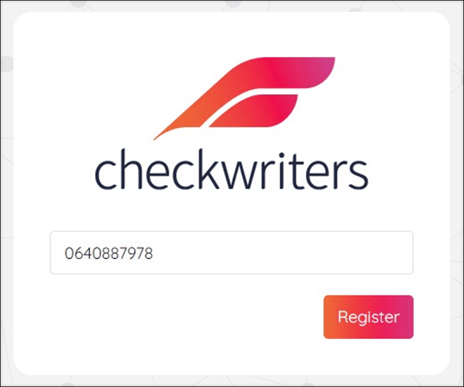
3. Paste your Registration Code into the field provided and select Register.
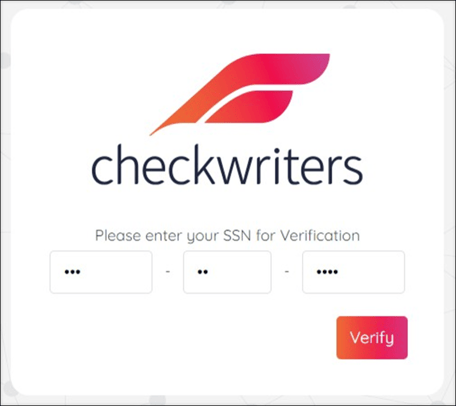
4. Enter your Social Security Number (SSN) in the field when prompted for verification.
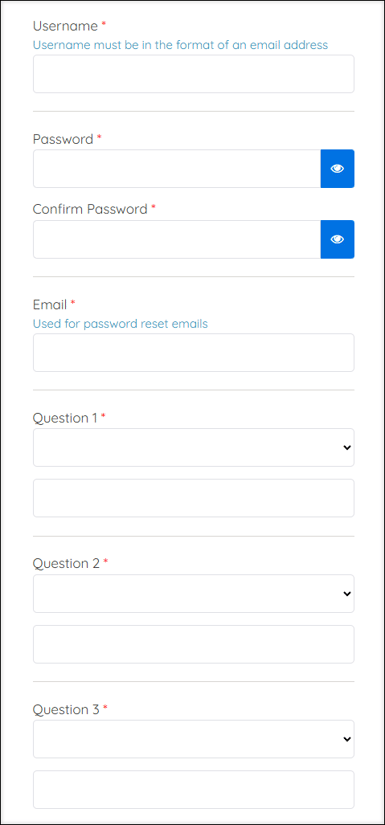
5. After your SSN verification, you will be prompted to set up the following:
- Username: Your username must be in the format of an email address. This username is permanent and cannot be changed later. You must re-enter this username in the Confirm Username field.
- Password: Your password must contain at least one capital letter, number, and special character. You must re-enter this password in the Confirm Password field.
- Email: This email address will be used in the event you forget your password and need to reset it. Learn more about resetting a forgotten password.
- Security Questions: Select a question from the drop-down menu and enter your answer in the following field. Repeat for all three security questions. It’s important to choose a question whose answer you know you’ll remember.
6. Select Save when finished.
Important: Your username must be in the format of an email address. This username is also permanent and cannot be changed later.
7. Set up your two-factor authentication.
8. Your account setup is now complete, and you will receive an email confirmation from notifications@mg.checkwriters.com.