Forgot your password?
Verify Your Account
Check Your Inbox
Enter Temporary Password
Confirmation Email
Forgot your username?
Reach out to your employer or HR manager. They will be able to look up the username you should use to log in.
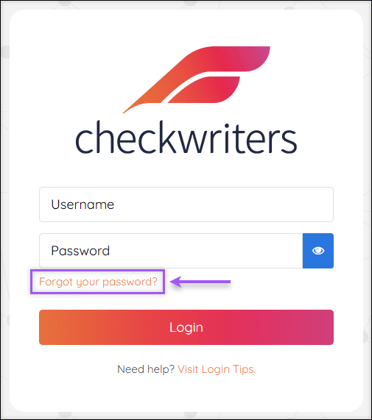
Forgot your password?
From the checkwriterspayrollhr.com login page, select Forgot your password? to begin the password reset process.
Verify Your Account
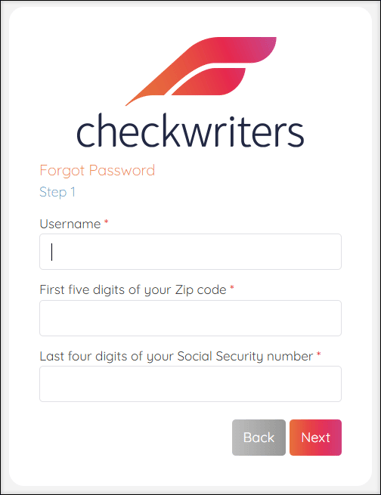
Enter your Username (likely your email address), first five digits of your zip code, and last four digits of your Social Security number in the appropriate fields. Select Next.
Note: This information is needed to verify your account.
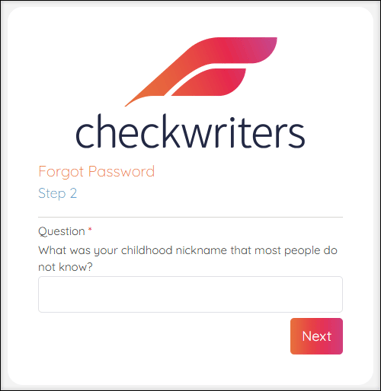
When you first enrolled in Checkwriters, you selected three security questions in case password recovery was needed. Correctly answer one of the three security questions and select Next.
Check Your Inbox
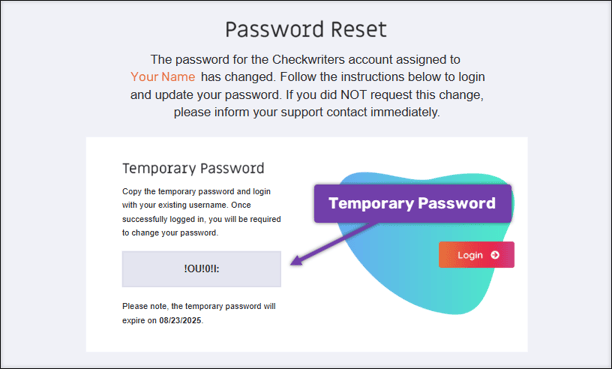
Check your email inbox for a message from notifications@mg.checkwriters.com. This email will provide a Temporary Password that you will use to reset your password.
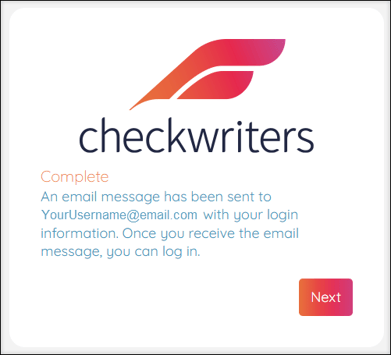
Return to Checkwriters and select Next on the Complete message.
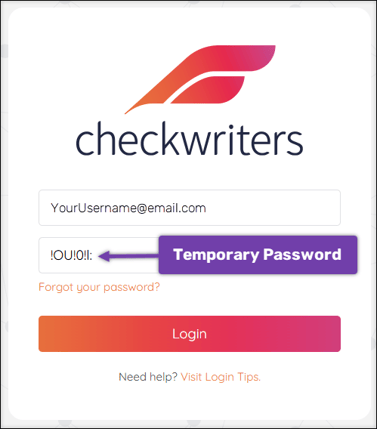
Enter Temporary Password
- After returning to the Checkwriters login screen, enter your Username in the appropriate field.
- In the Password field, enter the Temporary Password you received via email.
- Select Login.
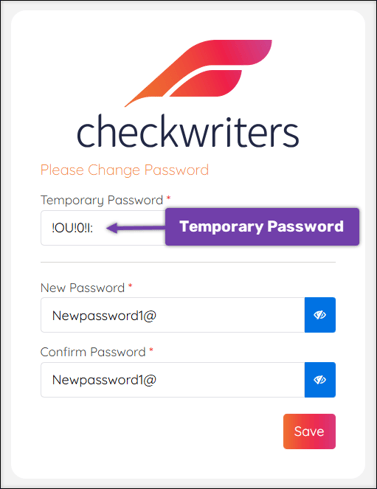
You will now be prompted to change your password from the temporary one to a new password of your choosing.
- Enter the Temporary Password in the Current Password field.
- Enter a new password of your choosing in the New Password field.
- Re-enter a new password of your choosing in the Confirm Password field.
- Select Save.
Confirmation Email
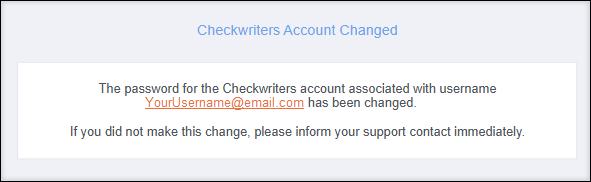
After successfully changing your password, you will receive an email confirmation from notifications@mg.checkwriters.com.